Sing along. Stay in sync.
Follow timed lyrics as the song plays, and find your place when you seek.
A little closer to your music
Your music. Your mood.
Every lyric. Every late-night favorite.
A player that feels like your own.
Android 8.0+ · Free · One download for every supported device
More music. Less friction.
From the first search to the last song of the night. Everything you need, right where you need it.
Follow timed lyrics as the song plays, and find your place when you seek.
Play Next, Add to Queue, and hold to rearrange. A listening order that moves with you.
Fine-tune the equalizer, set a sleep timer, and keep your favorites for offline listening.
Music has a color
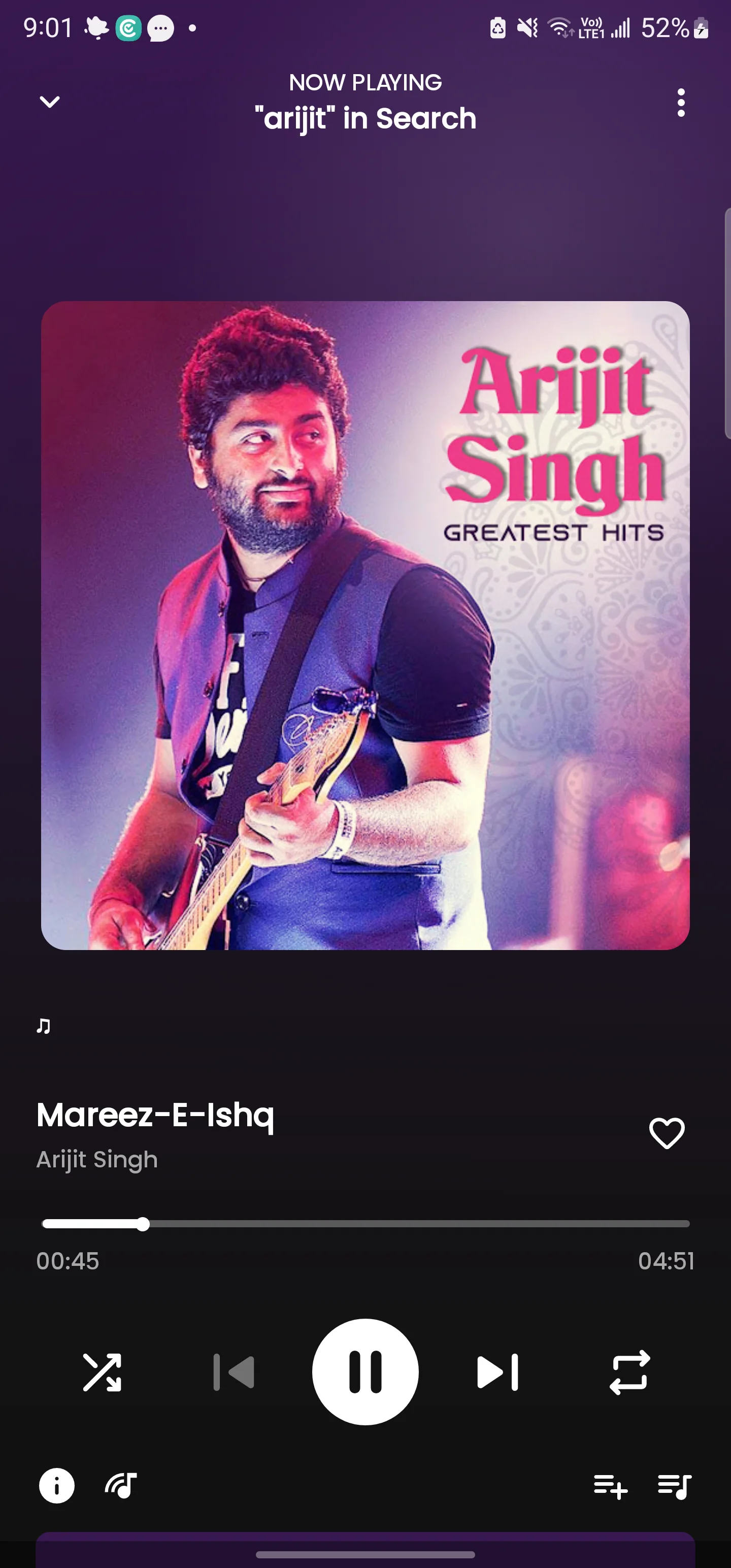
Your player takes its colors from the artwork. Soft transitions bring it to life. Lightweight mode keeps things calm when your device needs it.
Fresh in version 1.5.2
A lighter Library screen and more reliable recovery of your saved music tabs, with a smaller phone-specific download.
Before you press play
Use the single download button. It selects a smaller build for supported Android phone architectures and falls back to the universal APK when the browser cannot identify your device. Meloqis requires Android 8.0 or above.
Download the latest update above, then confirm installation on Android. Install over your existing Meloqis app to keep your library and settings. You can also check for updates in the app’s Settings.
Download supported songs in the app for offline playback. Streaming, search, and lyric availability depend on the connected music services.
In song lists, hold a row and move right to Play Next. Hold and release for queue actions. In the queue, hold and move vertically to reorder. Playlist reorder mode uses that gesture for playlist ordering.
Support is optional. The app’s reminder appears at most once a week. The coffee button opens a ₹50 UPI request for you to confirm in your payment app.

Built with love
Creator of Meloqis Music. If Meloqis makes your everyday listening a little better, a coffee helps support its continued development.
Buy the developer a coffee ₹50+kaarthikdassarorasahabji@sbi